What is ClearSlate?
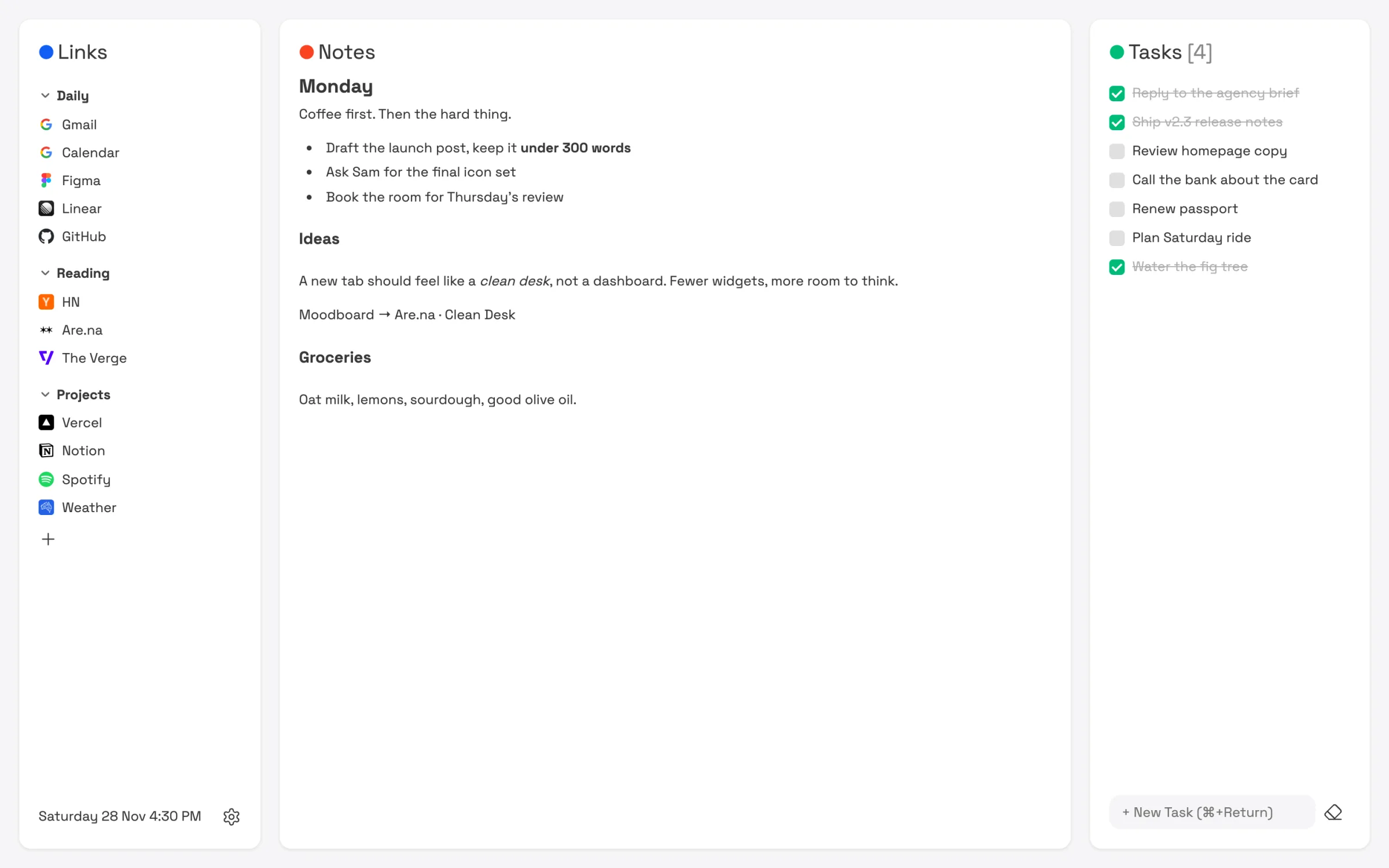
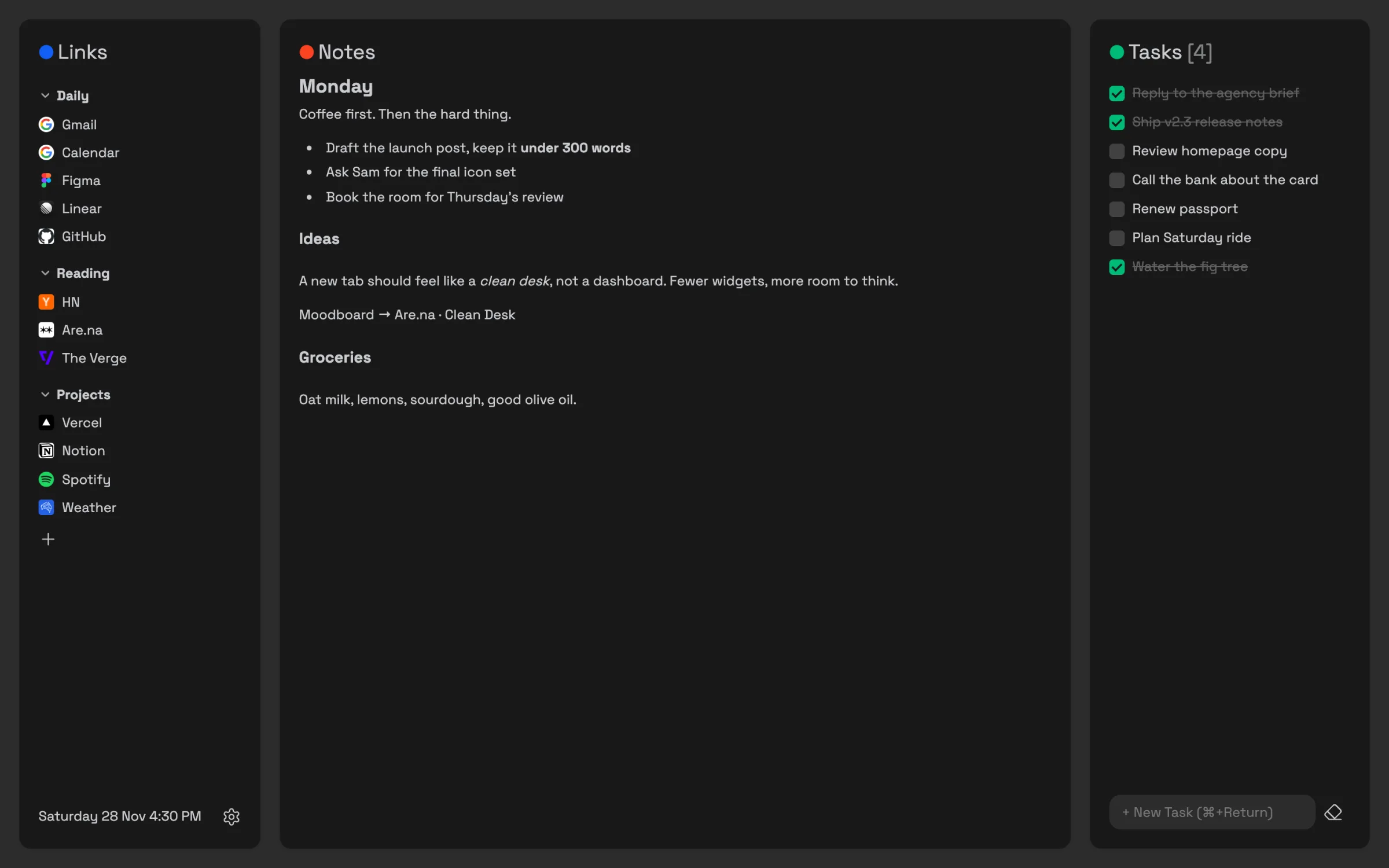
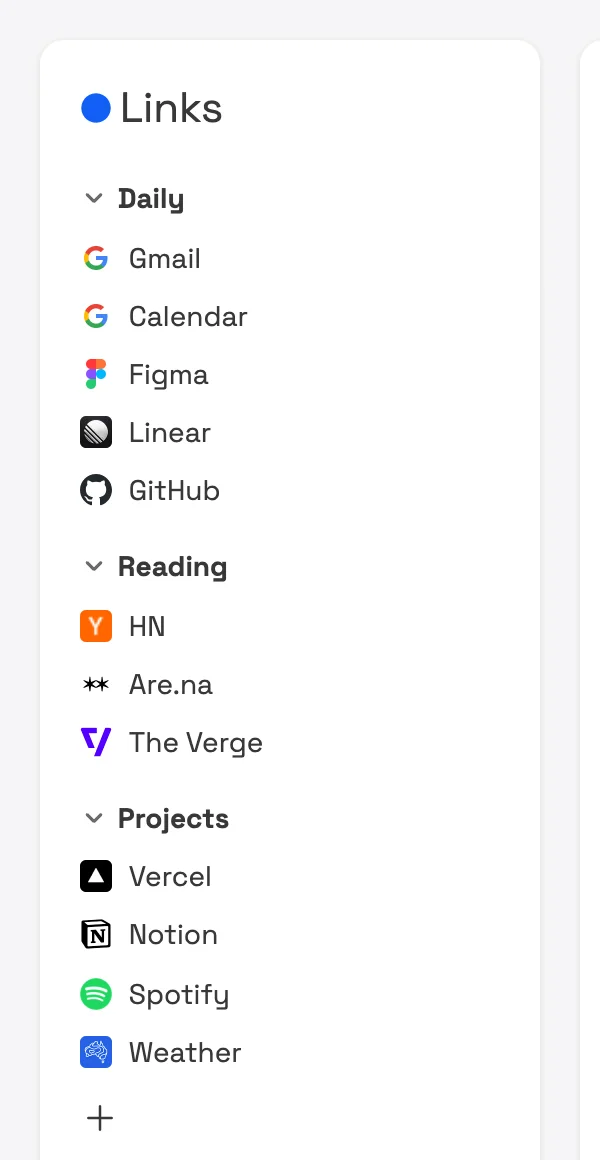
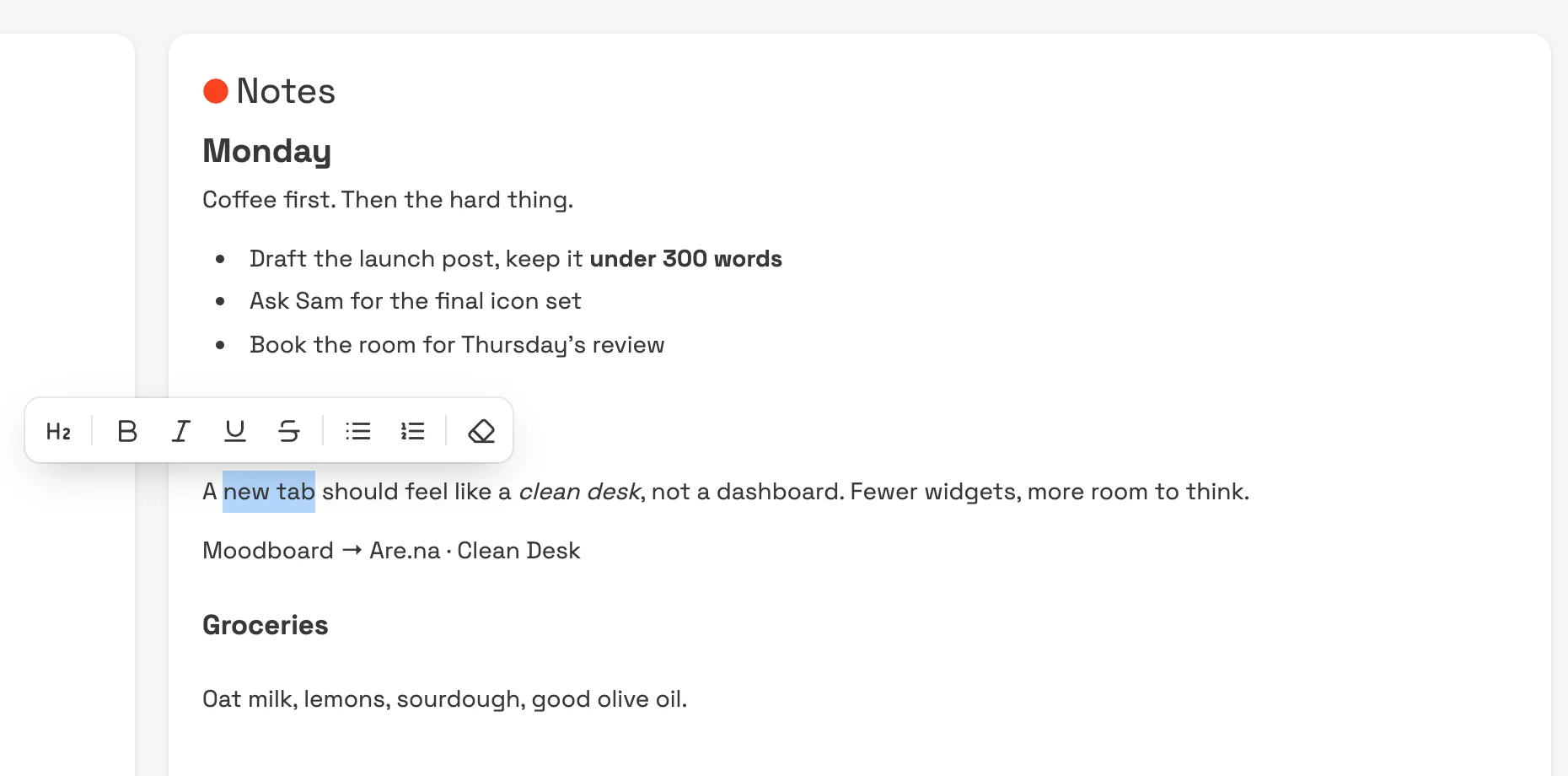
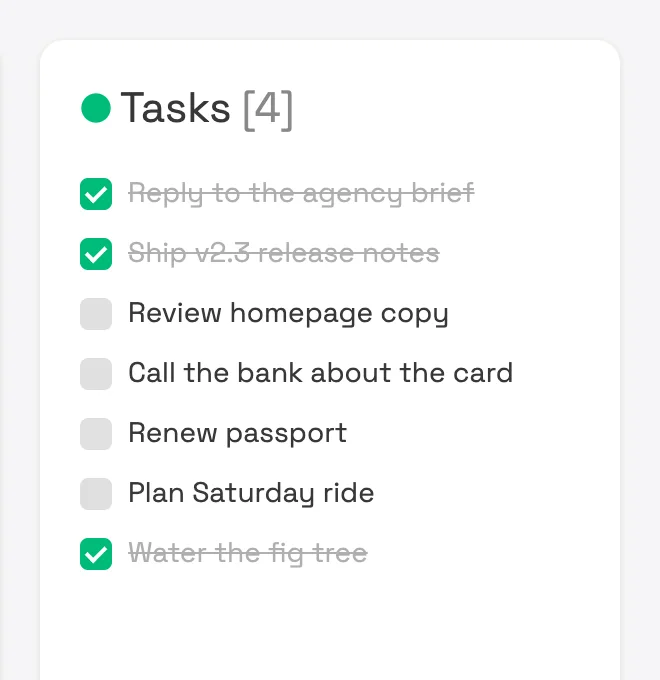
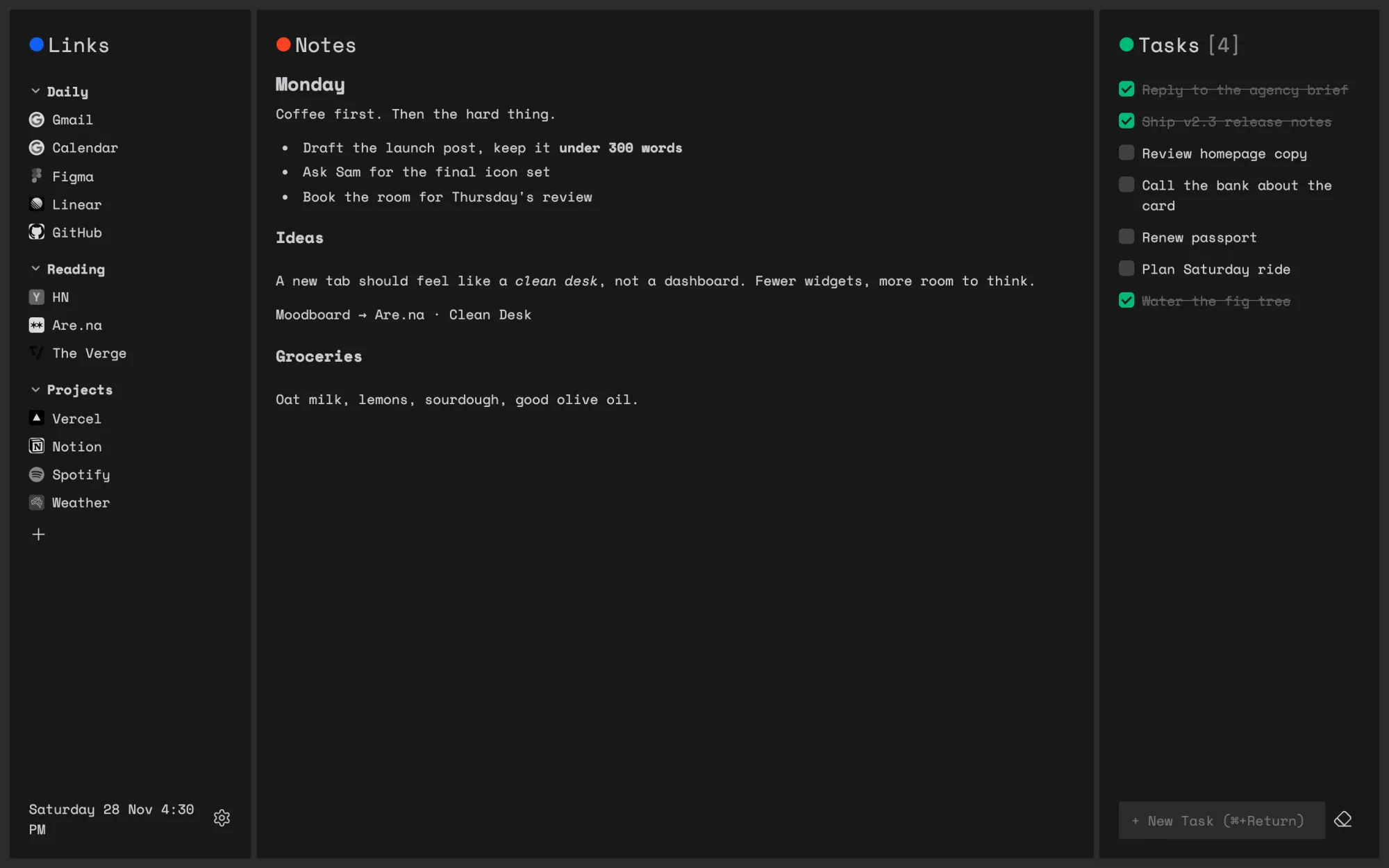
ClearSlate is a free Chrome extension that replaces your new tab page with three simple panels: saved links, notes and a task list. It works offline, has no AI features and doesn't track you.
Is ClearSlate free?
Yes. No account, no subscription, no upsell.
Does ClearSlate work offline?
Yes. Everything it needs, including the code, styles and fonts, is packaged inside the extension, so your new tab loads with no connection at all. Links and settings sync through Chrome the next time you're back online.
Does ClearSlate use AI?
No. There are no AI features, models or third-party APIs. Nothing reads, summarises or learns from what you write.
Where are my ClearSlate notes stored?
On your computer, in Chrome's local extension storage. They're never uploaded anywhere. Links and settings use Chrome's built-in sync, tied to your own Chrome profile.
Why does Chrome say ClearSlate can “read data on all websites”?
Your saved links can point to any site, so Chrome can't grant a narrower permission. ClearSlate only uses it to read the title of a URL you paste into Notes, and to find a saved site's icon when Chrome hasn't cached one. It never runs code on the pages you visit or looks at your browsing.
Will my notes sync between computers?
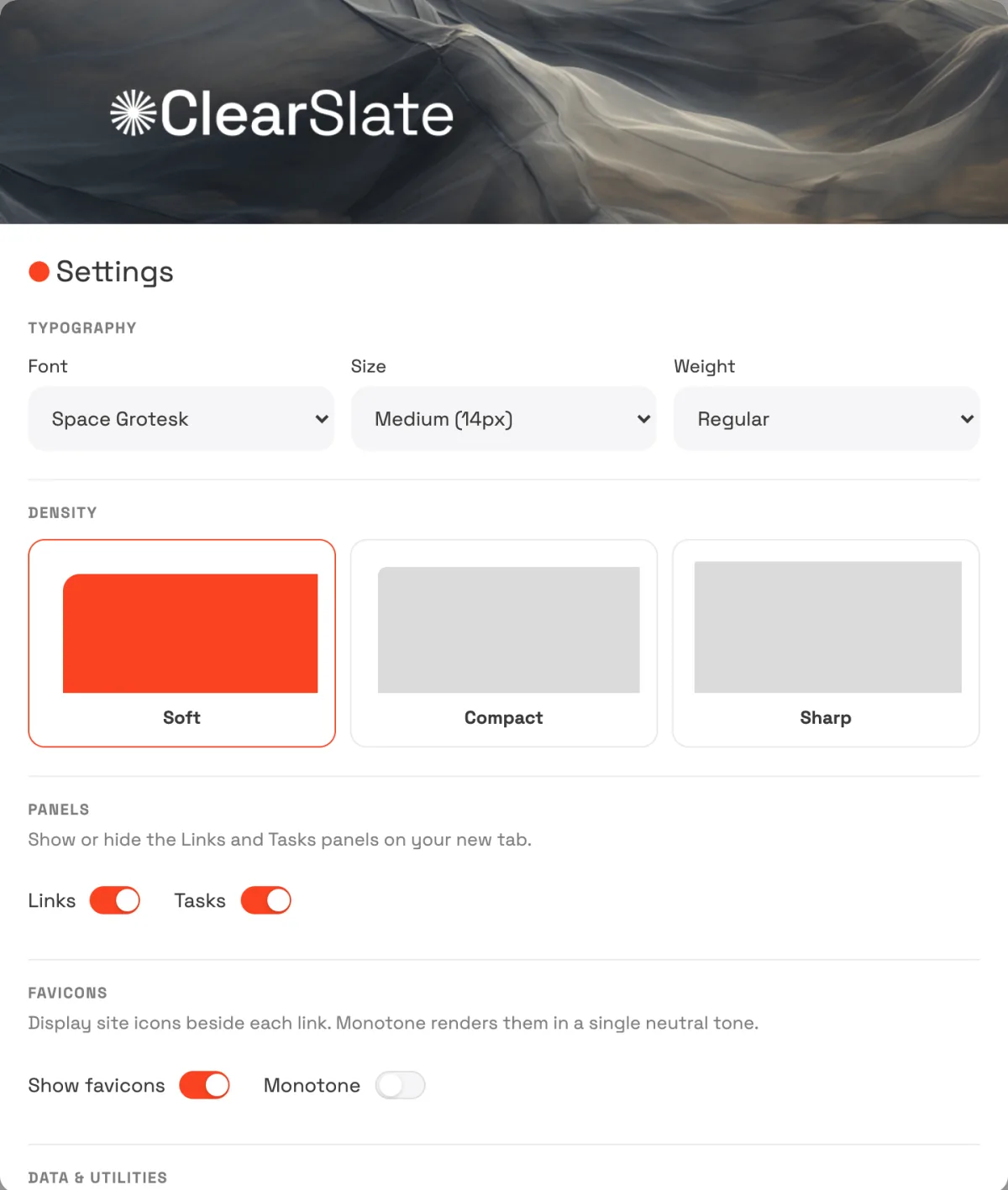
No, on purpose. Since version 2.3, notes and tasks stay on the computer you wrote them on. Links and settings still sync. To move notes across, export them from Settings.
Can I back up my ClearSlate data?
Yes. In Settings, export your notes as HTML and your links as JSON. You can import the links file on any computer.
Can I hide ClearSlate panels when sharing my screen?
Yes. Click the coloured dot next to any panel's title to blur it, and click again to show it.
How do I install ClearSlate?
Click Add to Chrome on the Chrome Web Store, then open a new tab. Pin ClearSlate to your toolbar so you can save pages with ⌘⇧L (Ctrl⇧L on Windows).
 New Tab